How to Combat Cybersecurity Fatigue
When was the last time you had to change your password or received an alert to update your device for what felt like the umpteenth time? These are minor frustrations, but ongoing IT requests can add up to cybersecurity fatigue. You can’t stop securing your tech, but you can combat employee annoyance with the process.
The need for cybersecurity isn’t going away, and the human element remains a weak link in every business’s security posture. That means we’re going to continue:
- creating strong passwords;
- installing updates and patches;
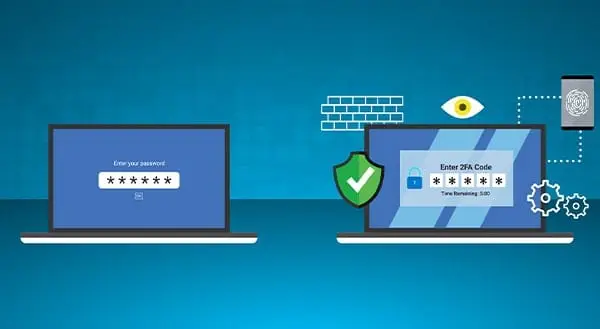
- filling in multi-factor authentication prompts;
- getting tested by social engineering attempts;
- attending security training to ensure we know procedures and protections.
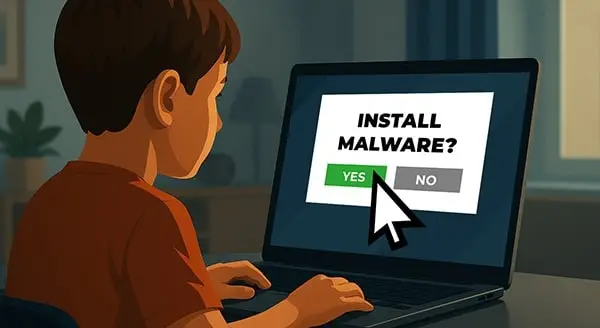
Yet it all takes time away from the work we want to be doing. Even the few seconds we wait for that push notification to arrive can feel like forever. Our impatience and annoyance grow. Eventually, it can lead to taking shortcuts or neglecting security alerts. That’s cybersecurity fatigue, and it can be a real risk to any business.
Signs of Cybersecurity Fatigue
The constancy and complexity of security measures make people feel overwhelmed or indifferent. That’s when you’re dealing with security fatigue. Signs to look out for include:
- lack of motivation to follow security protocols;
- careless clicking on suspicious links, downloading files, or sharing sensitive information without verification;
- reuse of passwords or using weak passwords rather than complex and unique ones;
- disregard for software, applications, or operating system update notifications;
- indifference toward the need to adjust privacy settings;
- impatience with security measures that add extra steps or delays to tasks;
- susceptibility to social engineering techniques;
- delays informing your tech team about incidents, waiting until the issues are critical;
- connection to insecure networks or using personal devices for work activity.
Any of these can put the business at risk of cyberattack, data breach, or other disruption. Try the following strategies to reduce friction with cybersecurity policies and procedures.
4 Ways to Counter Cybersecurity Fatigue
The importance of cybersecurity can’t be minimized, yet adding more layers can cause fatigue to build. Instead, try these four strategies.
- Automate patches and upgrades. Save your employees from direct involvement in this cybersecurity effort. Instead, automate what you can, or work with a managed service provider who can take care of patches and upgrades for you.
- Provide password management systems. Make it simpler for your people to keep track of unique, strong passwords. Provide access to password managers such as LastPass.
- Choose tools that balance security and convenience. Look for ways to provide enhanced usability without compromising protection.
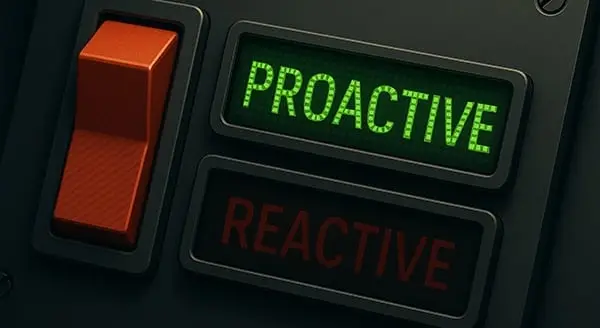
- Turn to remote management. IT pros can access and manage systems from anywhere with an internet connection. With proactive monitoring, they can identify and address potential issues before they escalate.
Partnering with a managed service provider such as CPI Networks can also help you curtail cybersecurity fatigue. We offer flexible and efficient IT support and management. Our experts can enhance cybersecurity without making your people work harder. Call us at (416) 645-2469, (905) 667-0441 or email us.
Want to be notified when our next blog is posted, sign up here.
Bet this sounds familiar: A screen full of legalese opens up when you download some new software. You immediately scroll to the bottom and click “I agree.”
Getting the job done is the focus. Many of us don’t spend much time thinking about how we’re setting up our workspace to do our tasks, yet desk ergonomics can increase productivity, lessen muscle fatigue, and cut work-related aches.
You know not to open an email attachment from someone you don’t know. You also avoid downloading unexpected files or questionable popups when you go online. But did you know there’s malware that requires zero action from you? Zero-click malware can infect your device without any interaction on your part.
You come across a thumb drive, or USB drive that you don’t recognize. Maybe you find it in the car park of your building or by the copier in the office. You’re curious or you want to plug it in to identify where to return it. Don’t do it. Risks abound.
Few of us are big fans of change. It can be easier to keep on going down that same path or use that same computer software; it’s comfortable and familiar. As of January 10, 2023, however, Microsoft has stopped providing support for Windows 8.1, which means you need to make a change.
There’s one big assumption about cyber attackers that we regularly refute: “It can’t happen to me.” At this point, most businesses do recognize the serious nature of the cyberattack threat. Yet other assumptions about cyberattackers may also make your business vulnerable. Educate your employees about these four main misconceptions. Raising their awareness can help secure your systems against social engineering attacks.
With “Googling it” now a common expression, it’s safe to say you do a lot online. To do it all you’re using a Web browser (such as Chrome, Edge, Firefox, etc.). To do it all more efficiently or effectively, you could be using browser extensions, but this article is going to warn you against doing so.
There is no shortage of business technology out there to choose from. The sheer volume of options is overwhelming, and it can be challenging to identify the right solution for your business. This article provides ideas to help you make smart IT purchases.